To get started, Download the or the file from this tutorial.
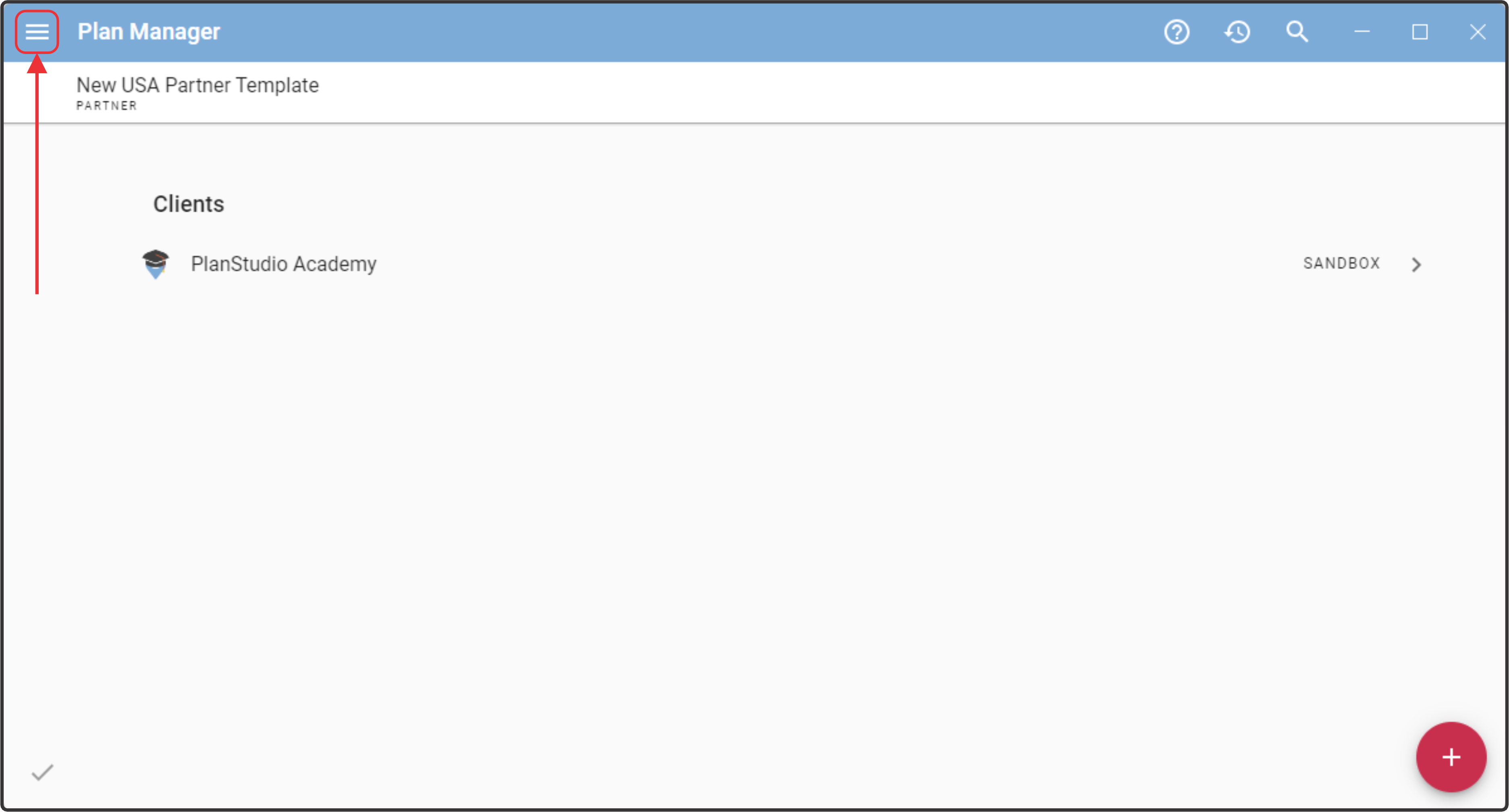
Head to the Plan Manager and open up the Hamburger Menu in the top left corner.
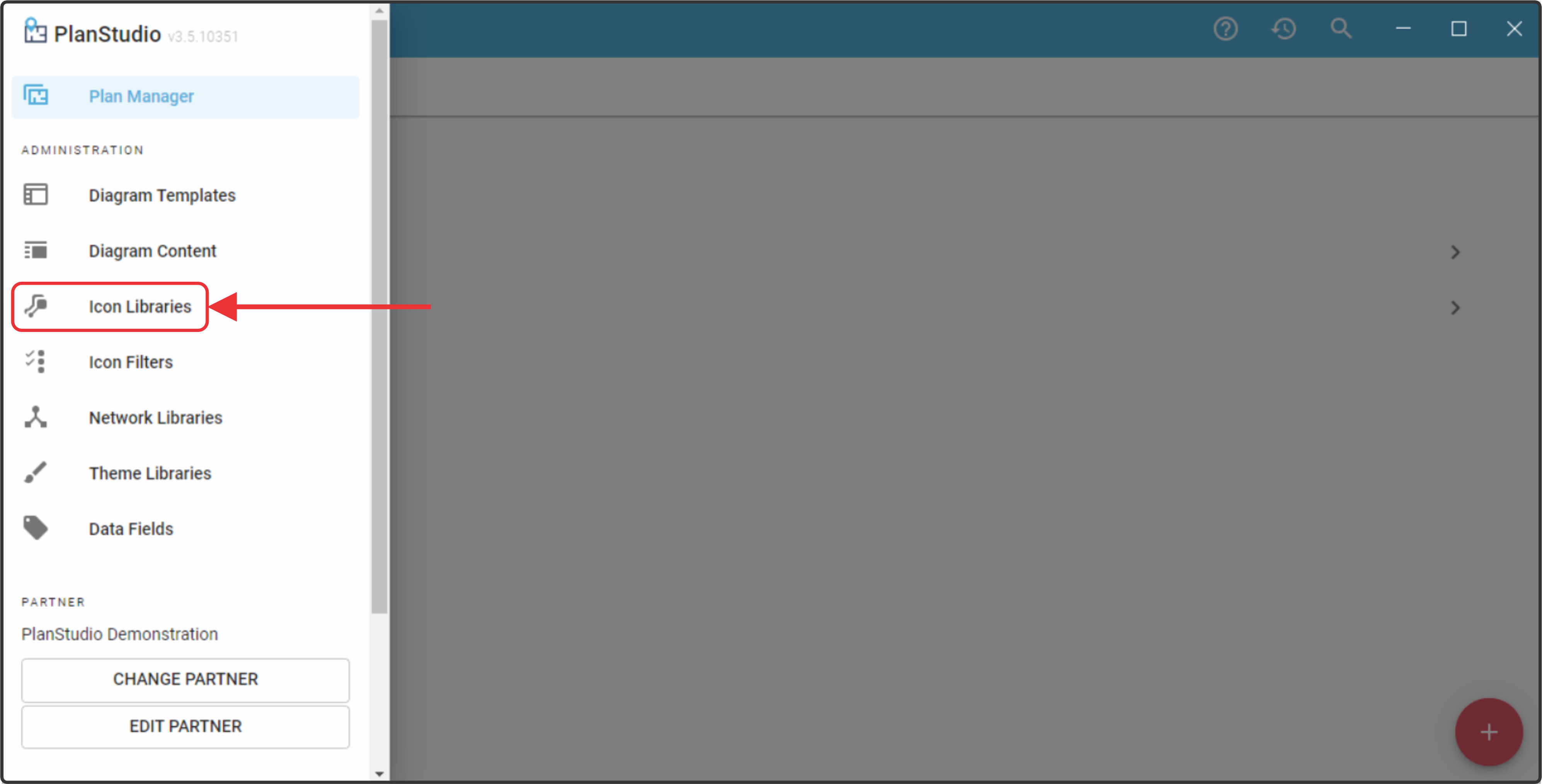
From here open up the Icon Libraries menu
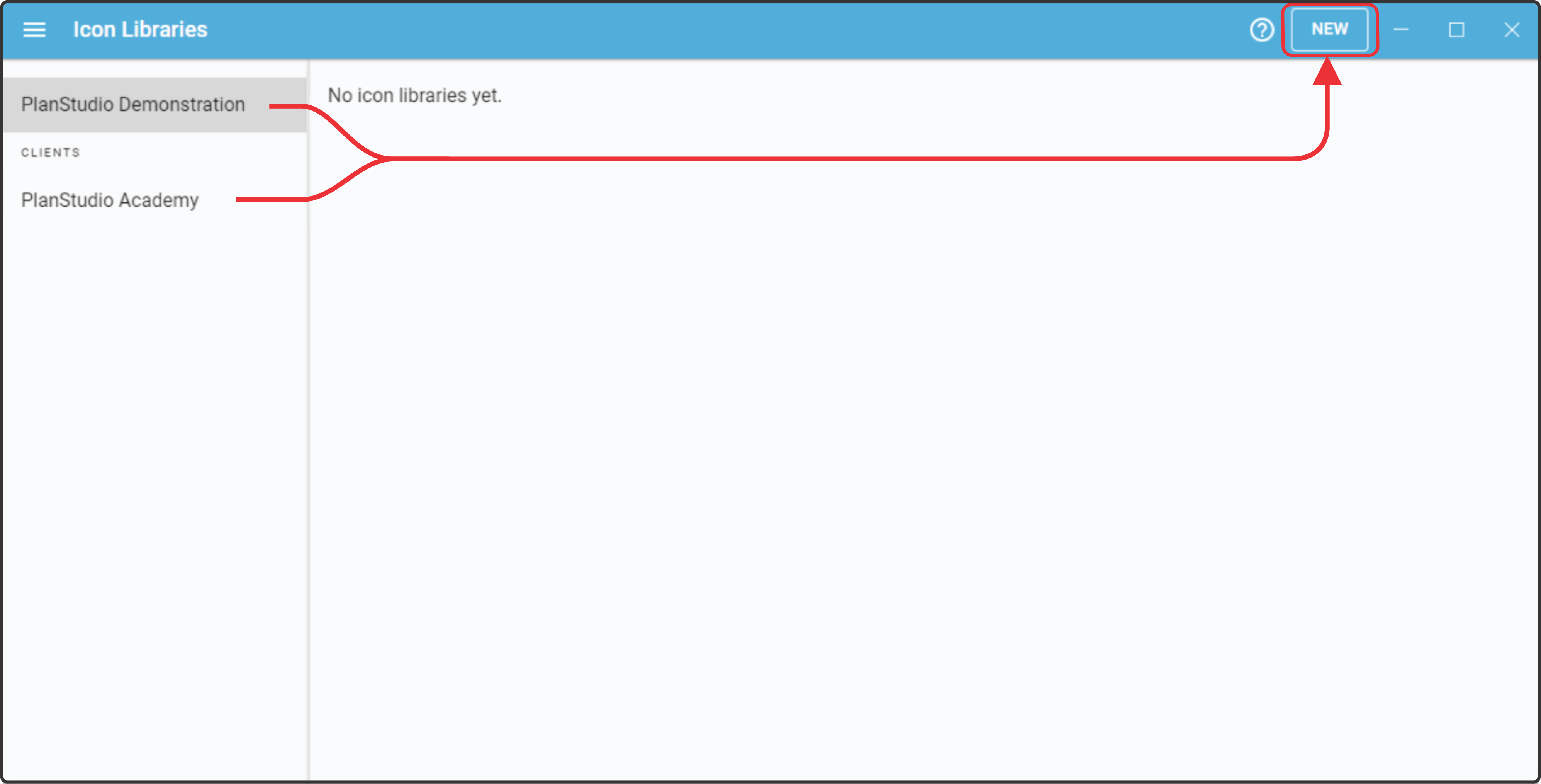
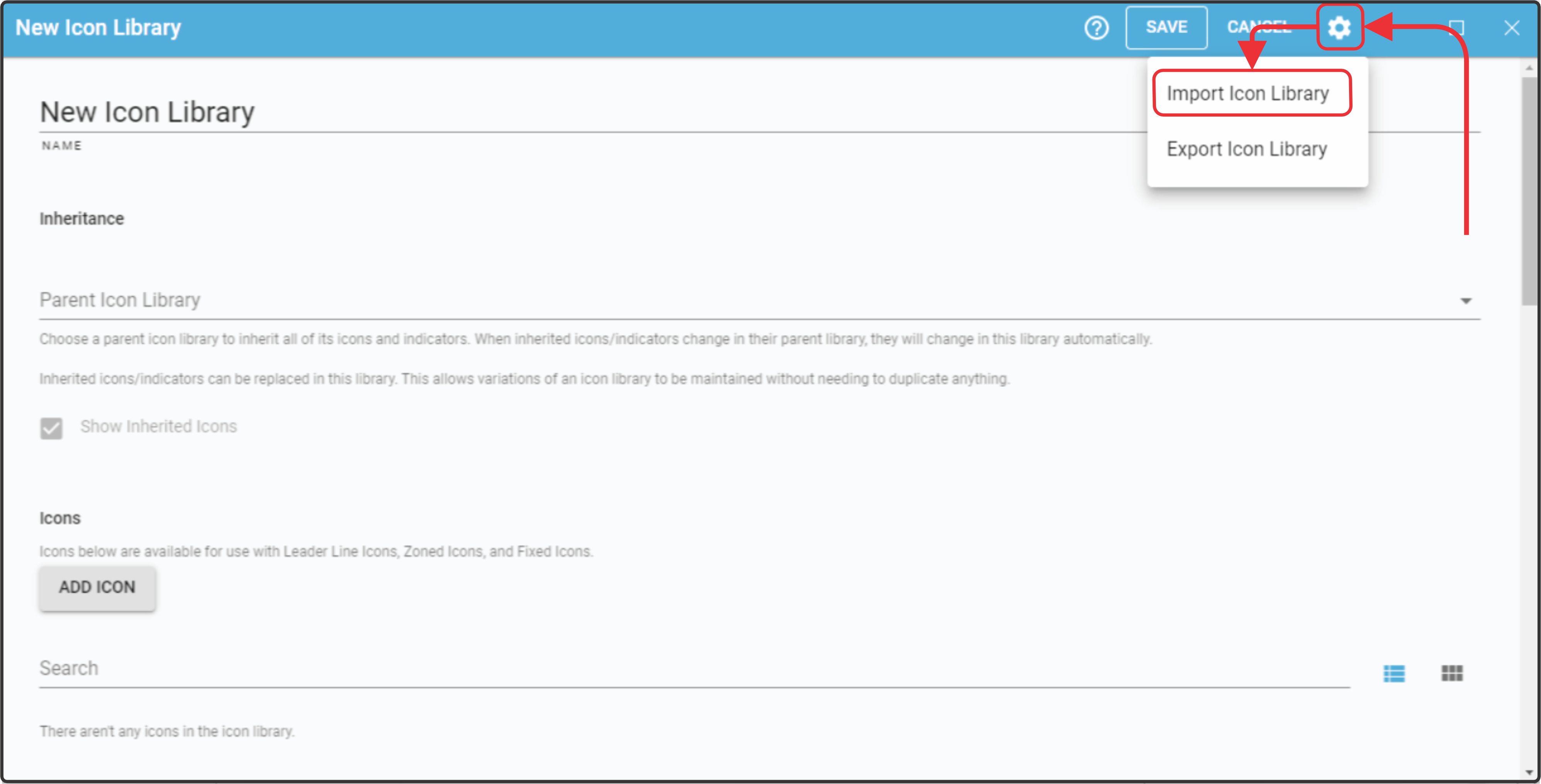
From here you can choose to upload a new Icon Library to either your entire Partnership or a specific Client, Then click New to upload an Icon Library file or start to create one from scratch.
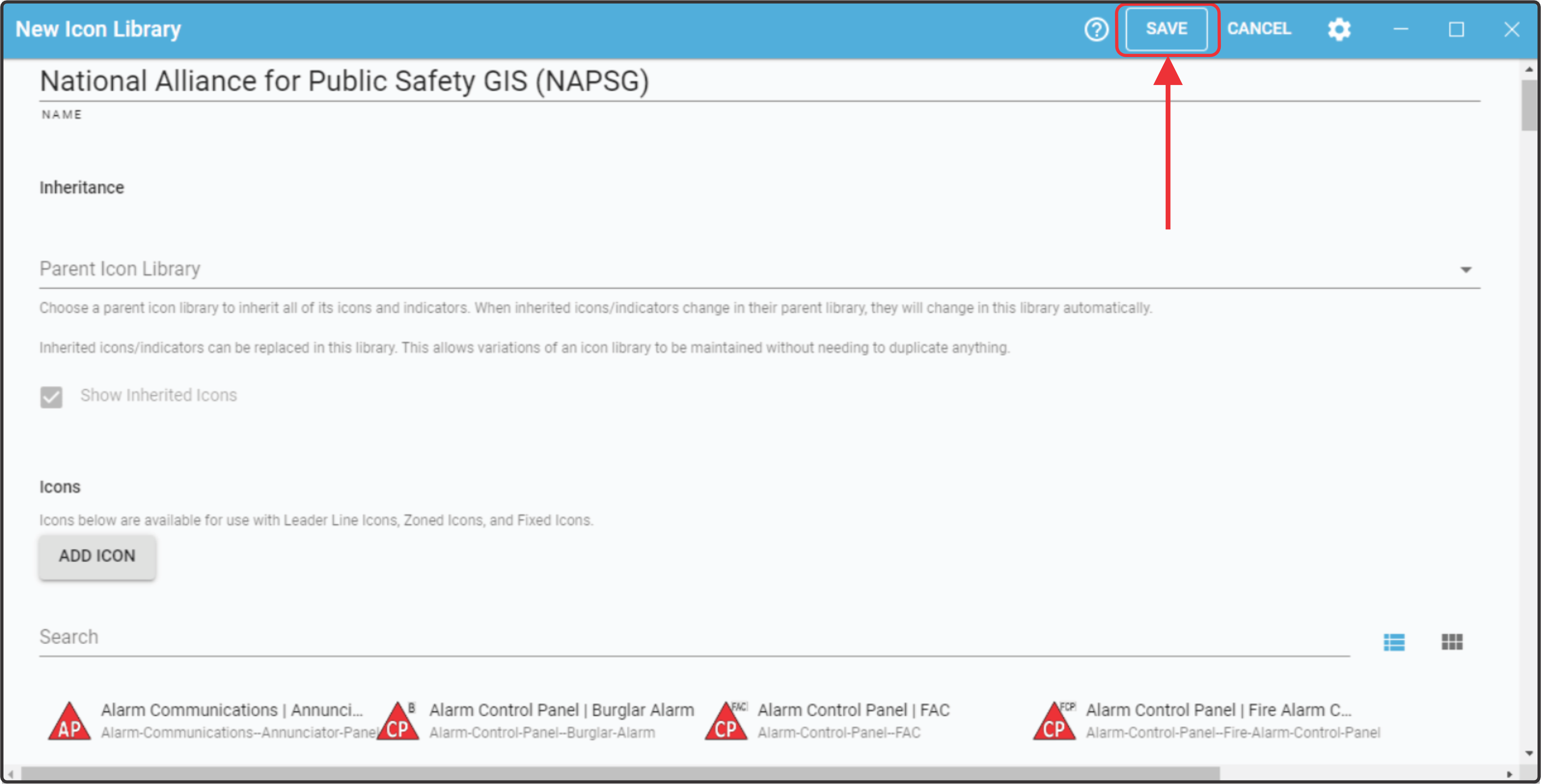
From here you can Add any additional Icons, make any Edits or changes required, or link this Library to a Parent library, so any icons used in your Client default are still visible.
When you are done editing the Library click Save.